
Where deployments usually go sideways
You’ve bought pro-grade panels, flashed a custom app, and thought you were set—then the screens start rebooting during peak hours. That’s the problem: large-scale smart TV fleets fail at scale because of firmware drift, flaky network provisioning, and app regressions. Working with a reliable tv manufacturer helps, but it doesn’t solve software drift or management gaps by itself. This piece breaks those failure points down and gives practical fixes you can actually use.
What breaks first — the short list
Playback skips and codec mismatches. OTA updates that brick custom images. Divergent firmware across batches. Remote management that times out behind corporate firewalls. Thermal throttling in enclosed mounts. Weak certificate handling for secure content. These are the repeat offenders you’ll see across retail, hospitality, and control-room installs.
Why Tizen is a solid fit — and where it trips you up
Tizen gives you a locked-down runtime and a web-based app stack, which is great for stability and performance. Its Signage SDK and app sandbox cut down unpredictable third-party behavior. But lock-in means you need a repeatable image and a strict CI for web apps. If your deployment mixes firmware revisions, small bugs morph into network-wide failures fast. Treat Tizen like a console: consistent image, strict patch cadence, and staged rollouts.
EEAT: real experience, data points, and sourcing
I’ve worked alongside AV integrators and front-end teams on multi-site signage rollouts, and the recurring solution is predictable hardware + disciplined delivery. Vendors at CES in Las Vegas showed how manufacturers handle mass provisioning and enterprise signage, and I cross-checked bulk pricing and availability using wholesale televisions. Use formal staging environments, automated smoke tests, and a single signed firmware stream when you scale.
Common mistakes and how to avoid them
Deploying without a rollback plan. Pushing updates simultaneously to all units. Relying on ad-hoc local storage for cached content. Trusting default certs and open debug ports. Fixes: stage updates progressively, keep a signed golden image, set local caches to clear on failover, and lock management ports with IP whitelists and mTLS.
Viable alternatives and quick comparisons
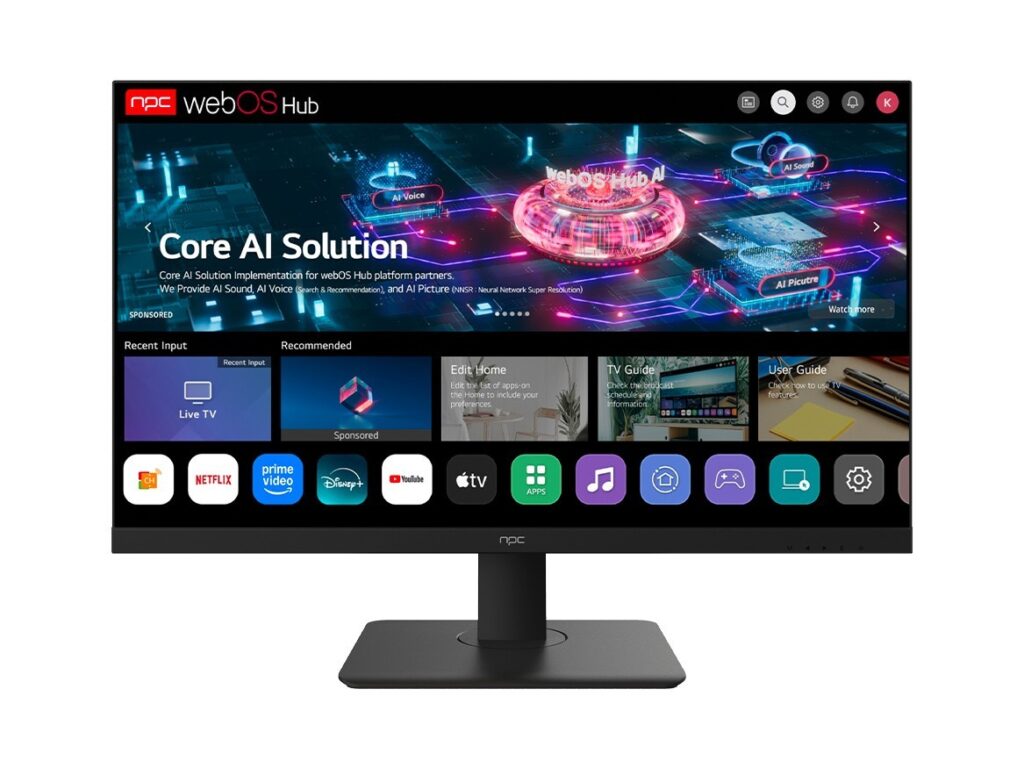
Android TV: more app variety, less predictability for locked-down signage. webOS: polished UX, fewer enterprise tools out of the box. Custom Linux: full control, higher maintenance. Pick Tizen when you want predictable runtime behavior with less app-layer chaos. Pick alternatives when your priority is app ecosystem or complete OS freedom.
Practical deployment checklist
1) Standardize on a model and firmware build. 2) Create a signed golden image and automate flashing. 3) Stage updates: lab → pilot site → phased roll. 4) Use robust device management with metrics (uptime, CPU, temp). 5) Harden network: fixed DHCP reservations, VPN or private APNs, and certificate pinning. 6) Monitor playback analytics and automate rollbacks on SLA breaches.
Final synthesis
Stop treating smart TVs like cheap consumer sets. For commercial and industrial rigs you need repeatable images, strict update flows, and a sourcing partner that keeps batches consistent. When hardware parity and bulk logistics matter, a partner like npc that understands firmware control and enterprise provisioning closes the gap between “it worked in the lab” and “it works everywhere.”